How to Transfer Pokémon to Pokémon Champions via Pokémon HOME
To build your elite team, the most efficient method is using the Pokémon HOME bridge. Instead of relying on slow in-game recruitment, professional players prefer to buy Scarlet & Violet (SV) Pokémon or Legends: Z-A (ZA) Pokémon and transfer them directly into the arena.
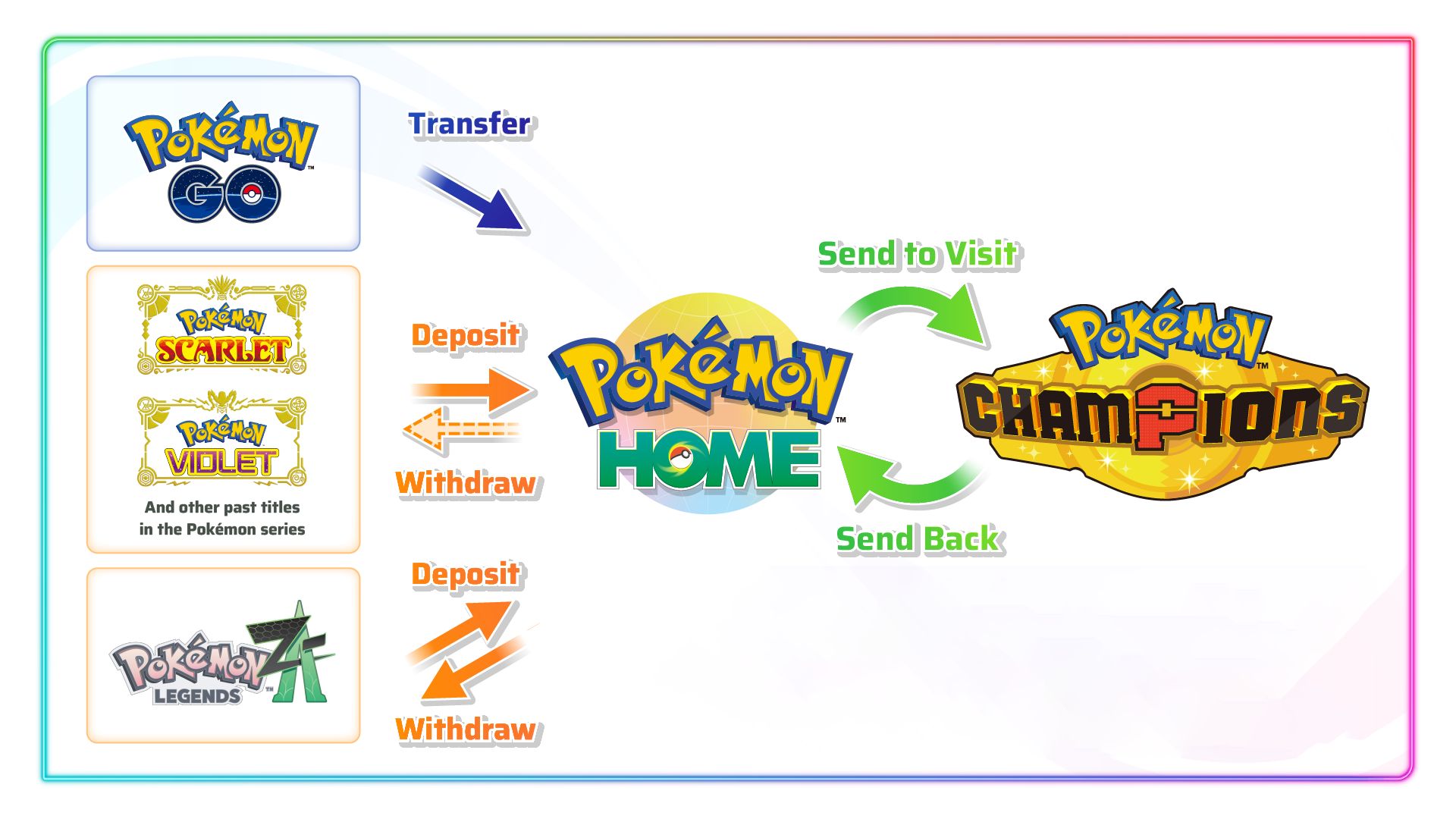
There are two main steps to this process: first, getting your Pokémon into Pokémon HOME, and second, moving them into Champions.
Step 1: Deposit Pokémon into Pokémon HOME
You can transfer Pokémon from compatible games into Pokémon HOME.
From Nintendo Switch Games (e.g., Scarlet/Violet, Legends: Z-A, Sword/Shield):
1. Launch the Nintendo Switch version of Pokémon HOME using your linked Nintendo Account.
2. From the main menu, select "Pokémon".
3. Choose the save file of the game you want to move Pokémon from.
4. Select the Pokémon you wish to move and transfer them to a Box in Pokémon HOME.
From Pokémon GO:
1. Open Pokémon GO on your mobile device and go to Settings.
2. Select "Connected Devices and Services" → "Pokémon HOME" .
3. Choose the Pokémon you want to send. This action is one-way; Pokémon cannot be sent back to GO after this step.
Step 2: Move Pokémon from HOME to Champions
Once your Pokémon are safely in your Pokémon HOME boxes:
1. Open Pokémon Champions on your Nintendo Switch.
2. Navigate to the option to "Import from Pokémon HOME" .
3. The game will connect to your Pokémon HOME account. You will then be able to select which Pokémon you want to bring into Champions.
Important Limitation: Pokémon obtained or trained in Pokémon Champions cannot be sent back to Pokémon HOME or to any other game. Think of it as a one-way trip for your Pokémon to visit the competitive arena.
| Feature |
Limitation / Rule |
| Pokémon Roster |
Only Pokémon that are in Champions' official roster can be transferred. If a Pokémon isn't in the game's data, it cannot be brought over. |
| Moves |
If a transferred Pokémon knows a move not available in Champions, you will be required to change that move before you can use it in battle. |
| Items |
Pokémon do not hold items when transferred through Pokémon HOME. Any held items will be sent back to your bag in the original game. |
| Training |
Any training (e.g., stats, new moves) you do on a Pokémon in Champions is saved only within Champions. It will not be reflected in Pokémon HOME or any other games |
What is Pokémon Champions?
Pokémon Champions is the definitive 2026 competitive battling platform where trainers face off in high-stakes ranked matches. Unlike traditional RPGs, the core gameplay focuses entirely on strategy and team composition. However, unlocking high-tier units like Shiny Pokémon Champions for sale or legendary cores requires a massive investment of Victory Points (VP). This is where the HOME linkage becomes your biggest advantage, allowing you to bypass the grind by importing units from other games.
Why Buy Pokémon Champions Pokémon from Pkmbuy?
While the game offers free recruitment, the "hidden costs" of grinding are high. Here is why savvy trainers choose to buy Pokémon Champions Pokémon from us:
Skip the RNG Grind: In-game recruitment is heavily randomized. When you buy Pokémon here, you eliminate the luck factor and get the exact Nature, Ability, and Moveset you need.
Instant Competitive Edge: Why spend 40+ hours farming VP? Our Pokémon Scarlet & Violet (SV) collection and Legends: Z-A (ZA) store provide instant access to the meta's top-tier threats, fully trained and ready for Ranked Tier play.
Cost-Effective Optimization: It is often cheaper to purchase a maxed-out Pokémon and transfer it via HOME than it is to buy individual in-game training items within Champions.
100% Legit & Safe: All our Pokémon for sale comply with official game rules, ensuring 100% compatibility with Pokémon HOME and zero risk to your Nintendo account.
Maximize Your Roster Now
Don't get left behind in the lower ranks. Unlock your team's full potential today by sourcing from the best titles in the franchise.


 Pokémon Champions Regulation M-C starts September 8, 2026. Discover the 24 new Pokémon, six Mega Evolutions, roster changes, and team prep tips.
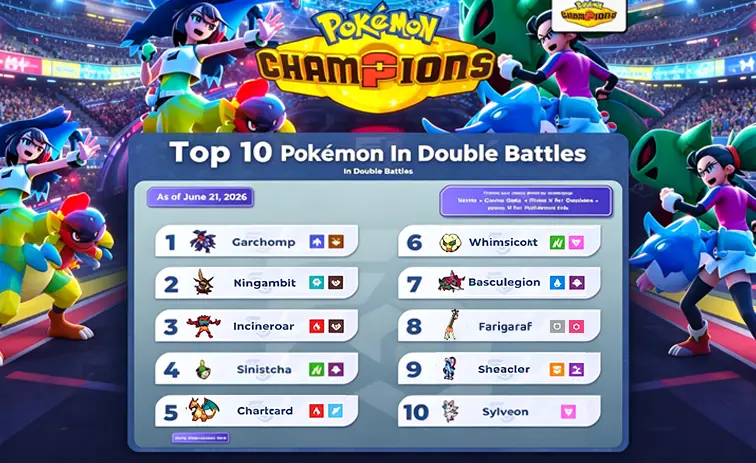 Ready to win in Pokémon Champions ranked doubles? Copy the top 10 meta builds, complete with exact EV spreads, natures, held items, and movesets for M-5.
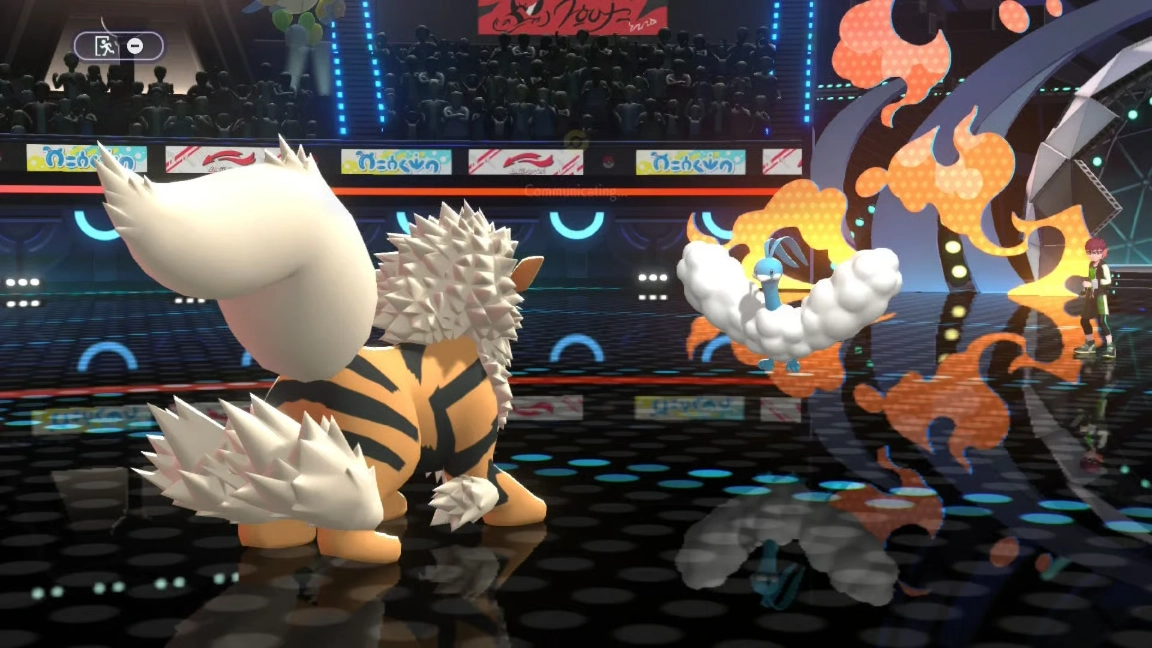 Master the new 11 Mega Evolutions in Regulation M-B, learn the two unique original abilities & build unstoppable competitive rosters for Pokemon Champions.
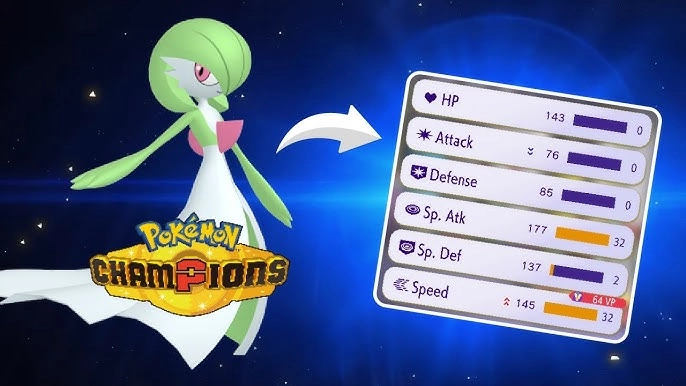 Master Pokémon training in Pokémon Champions: stat priority, moves, abilities & VP strategy. Plus where to find battle-ready Pokémon to transfer via Home.
 Want to master Mega Stones in Pokémon Champions? This full guide explains all ways to get Mega Stones, how to equip and trigger Mega Evolution, plus official rules for competitive battles.


